


Koi
Your ultimate productivity booster
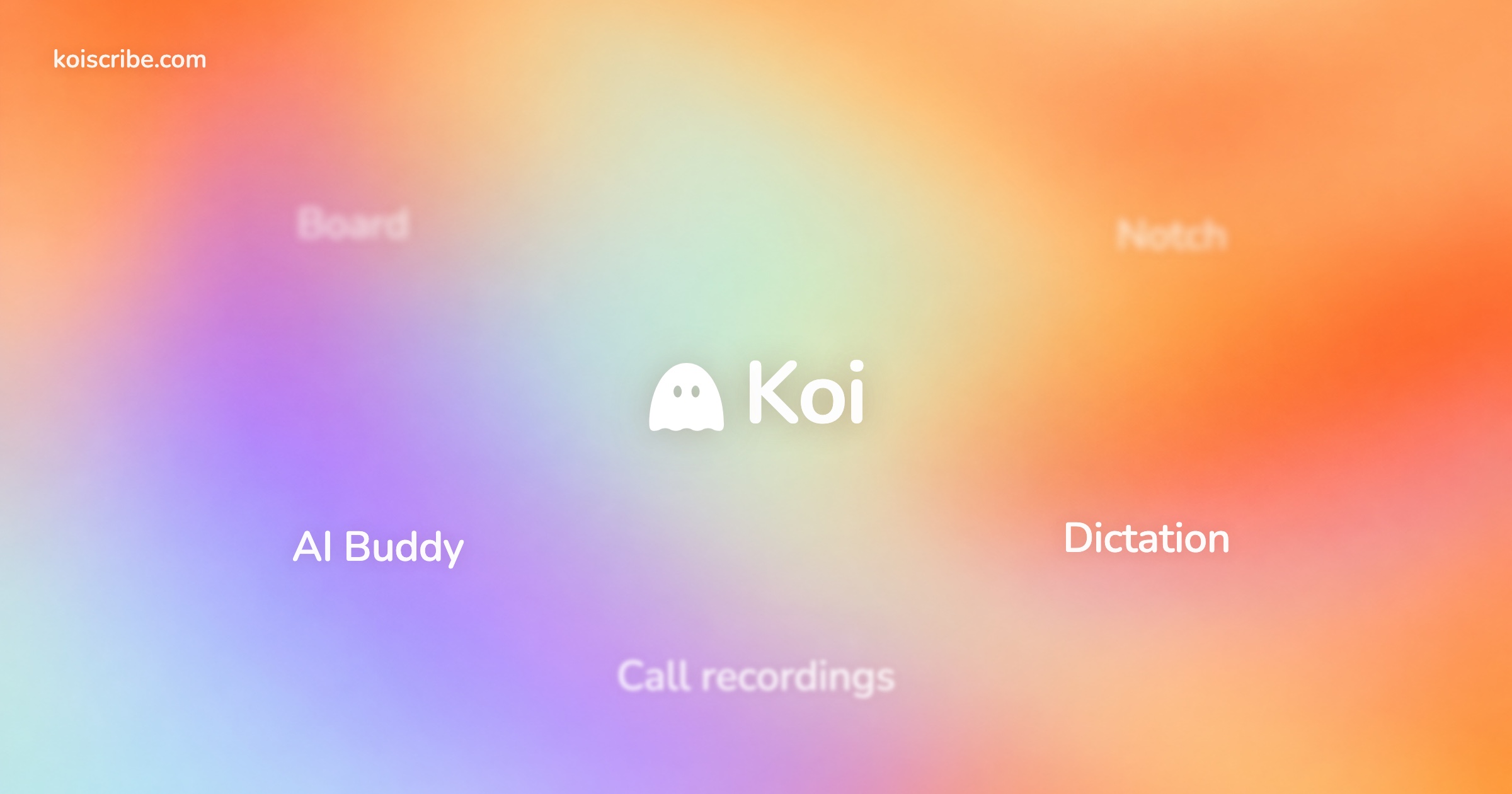
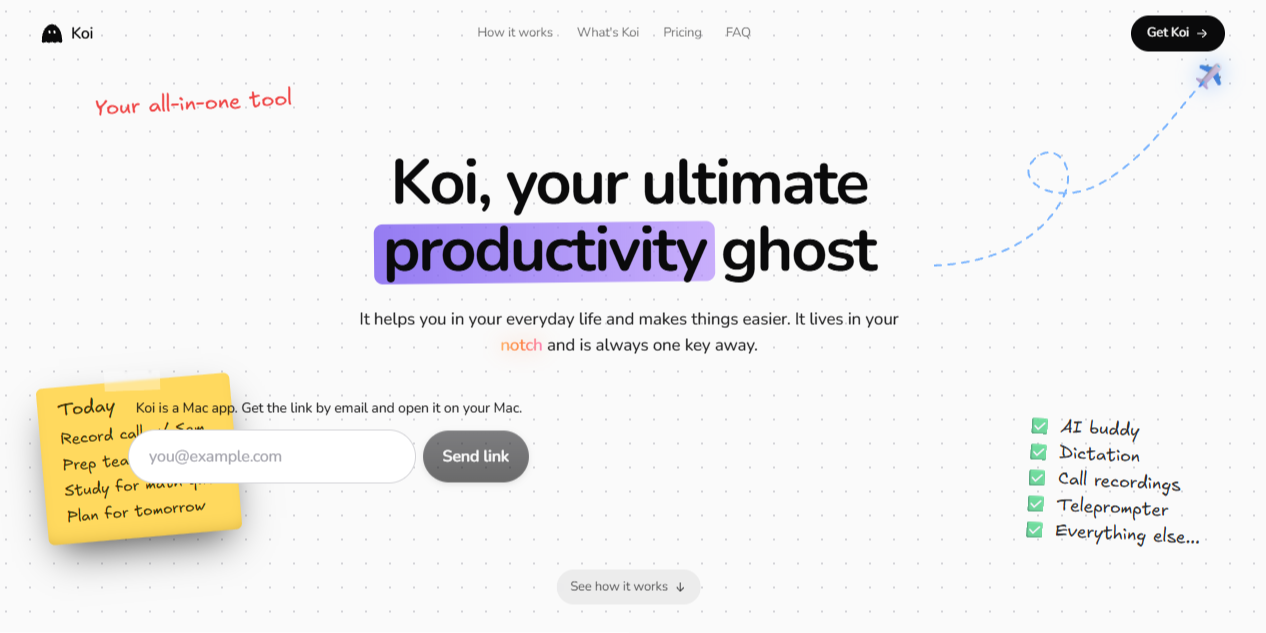
Koi is an all-in-one AI productivity assistant for Mac that helps you manage everyday tasks, work, meetings, and creative projects from one place. It lives in your Mac's notch, giving you quick access to AI assistance with just a keyboard shortcut or hover. Koi combines AI chat, voice dictation, call recording, meeting summaries, teleprompter, calendar management, and an interactive desktop whiteboard. It can explain complex topics using 3D models, create visual diagrams, guide you through on-screen tasks, and turn conversations into actionable to-do lists. It also includes useful tools such as clipboard history, file sharing, music controls, document handling, and live captions. With offline dictation and support for 100 languages, Koi aims to make everyday Mac workflows faster and easier.

AWARDS
BADGES
Add this product’s Brivoy badge to any website. Pick a badge and a style, then paste the code. Badges update automatically — products without an award get the “Featured on” badge.
FAQs
What is Koi?
A Mac app with two keys. One types what you say in any app. The other calls Koi, an AI you talk to out loud that sees your screen, points at things, fixes your writing and clicks around for you. It also records calls and keeps your documents, a calendar and an expense tracker, all from your Mac's notch at the top of the screen.
What can Koi actually do?
Answer questions about what's on your screen, circle the button to press, draw a diagram, fix or rewrite selected text, open apps and click for you, make documents, flashcards and study notes, add things to your calendar and tracker, and record and summarize your calls.
1 COMMENTS
Log in to join the discussion.
SHARE & STATS
Ask AI about this project










Koi looks like an interesting productivity companion for Mac users! 👻 I really like how it brings AI assistance, voice dictation, call recordings, calendar management, and a desktop whiteboard together in one app. The 3D explanations and notch integration are especially interesting. Which feature do you think users will find most useful in their everyday workflow?