


Kling 4.0
Kling 4.0 | Cinematic AI Videos Up to 30s with More Control
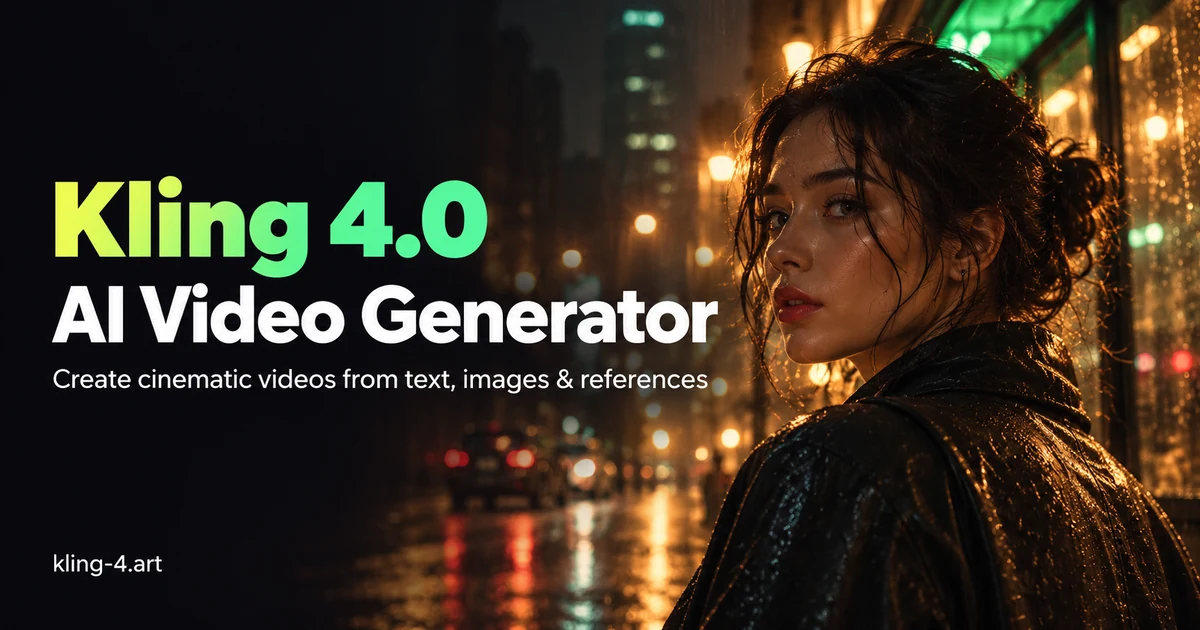
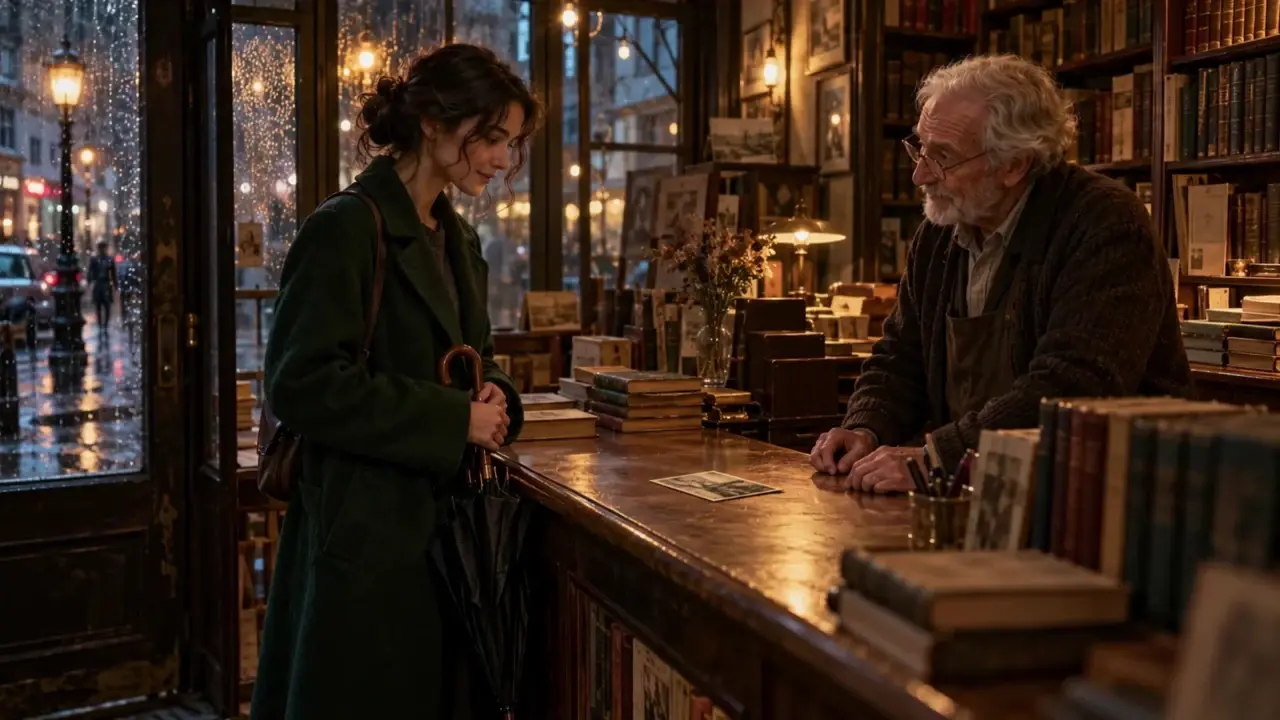
Turn ideas and images into cinematic clips with Kling 4.0 AI . Make videos up to 30s with synced sound, guided by references or keyframes. Start creating for free. Use a product image to guide its appearance and a video reference to guide action or pacing as you develop a new scene. Kling 4.0 is an AI video generation model launched by Kuaishou's Kling AI in October 2026 that generates 3–30 second videos with native stereo audio, 10 keyframes, and 15 Omni Reference controls. You can create videos with Kling 4.0 directly online on kling-4.art from text, images, or video references with no installation required.

MAKER

BADGES
Add this product’s Brivoy badge to any website. Pick a badge and a style, then paste the code. Badges update automatically — products without an award get the “Featured on” badge.
FAQs
What is Kling 4.0?
Kling 4.0 is an AI video generation model launched by Kuaishou's Kling AI in October 2026 that generates 3–30 second videos with native stereo audio, 10 keyframes, and 15 Omni Reference controls. You can create videos with Kling 4.0 directly online on kling-4.art from text, images, or video references with no installation required.
What’s the difference between Kling 4.0 and Kling 4.0 Flash?
Kling 4.0 supports longer videos of up to 30 seconds, up to 10 keyframes, and more advanced reference controls. Kling 4.0 Flash is designed for faster, more frequent creation, with videos up to 20 seconds at 720p. Flash does not currently support first-and-last-frame or multiple-keyframe generation. Check the generator for available models and settings.
Should I use Keyframes or Omni Reference?
Choose Keyframes when you want to plan specific moments in a video, such as the opening, an important action, or the final shot. Choose Omni Reference when you want images, videos, or voice samples to guide characters, objects, movements, or visual styles. These are separate generation modes and cannot be combined in one task.
Can I upload my own voice or background music?
You can upload MP3 or WAV files as voice references in Omni Reference mode. Voice samples help guide a character’s voice but are not used as background music tracks. To request music, ambience, or sound effects, describe them in your video prompt. On kling-4.art, voice references currently require 720p output.
How can I improve a Kling 4.0 video that doesn’t match my prompt?
Describe the subject, actions, setting, and camera movement more precisely. When using references, explain which details should remain consistent. For scenes with several important moments, consider Keyframes to guide the sequence. Results may vary, and generating a revised version may use additional credits.
1 COMMENTS
Log in to join the discussion.











Turn ideas and images into cinematic clips with Kling 4.0 AI . Make videos up to 30s with synced sound, guided by references or keyframes. Start creating for free.